
API keys authenticate the management API and the CLI. They belong to a workspace, not to a person, so a key keeps working when the teammate who made it leaves.
Creating a key
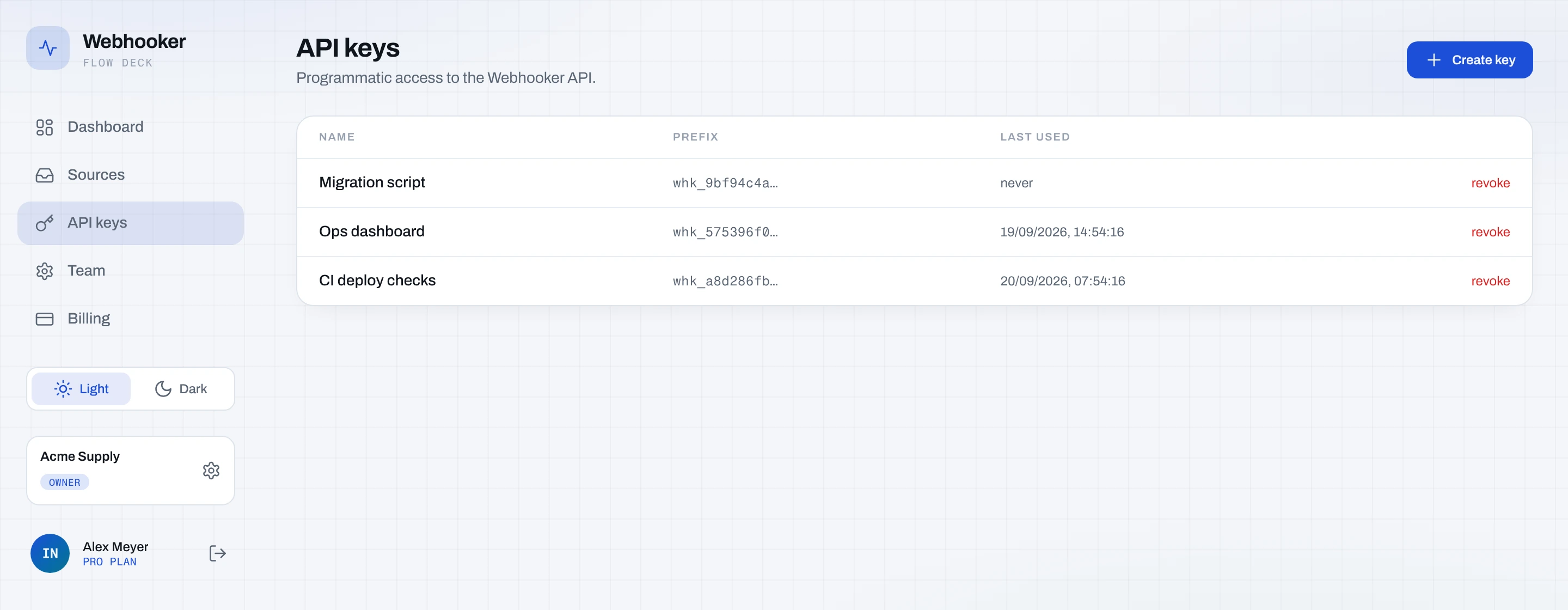
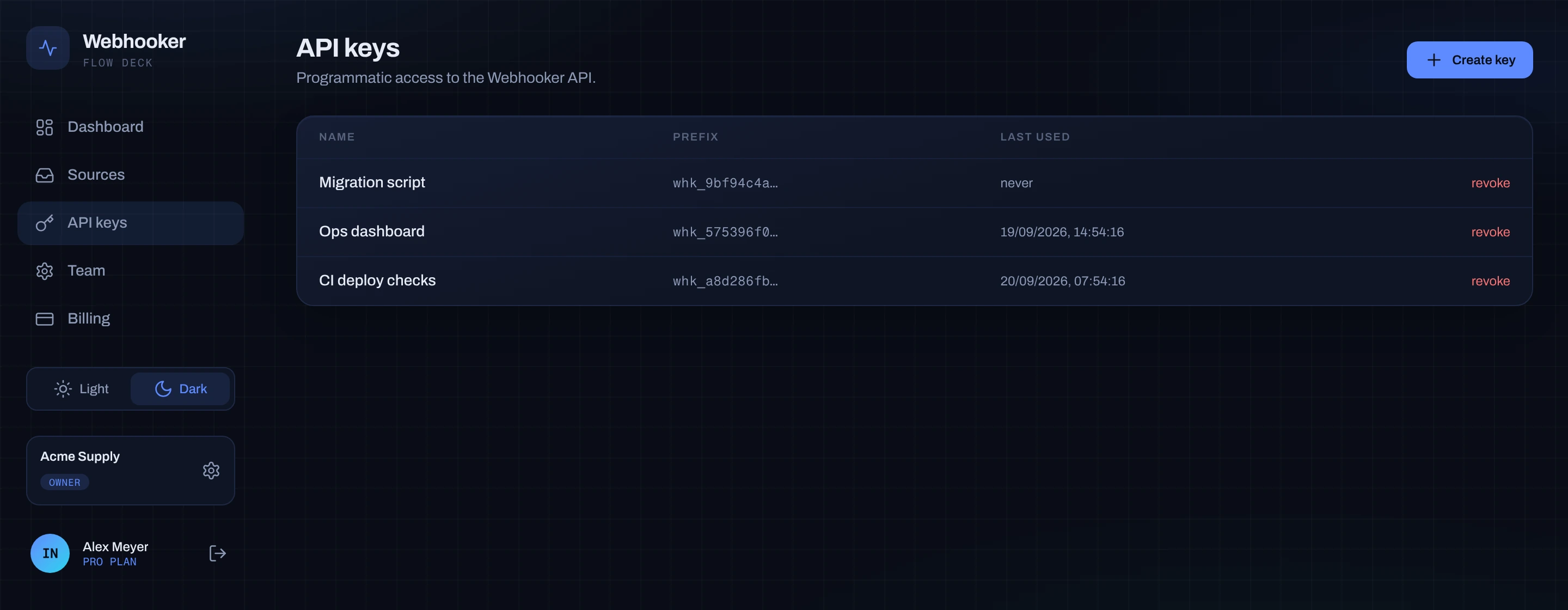
Section titled “Creating a key”Open API keys in the left navigation and click Create key. Give it a name that says where it runs —
ci, staging-deployer, laptop — so revoking the right one later is obvious.
The full key is shown once, on creation:
whk_3f8a9c2e1b7d4a6f0c5e8b1d2a4f7c9e3b6d8a1f2c4e7b9dCopy it into your secret store immediately. Only a 12-character prefix is kept for display; the key itself cannot be recovered. If you lose it, delete the key and create another.
The list shows each key’s name, prefix, creation date and when it was last used — which is how you find keys nobody needs any more.
Creating or deleting a key requires the admin or owner role. Keys themselves cannot manage keys.
Using a key
Section titled “Using a key”Send it as a bearer token:
curl https://app.webhooker.eu/api/v1/me \ -H "Authorization: Bearer $WEBHOOKER_API_KEY"{ "auth": "api_key", "workspace": { "id": "…", "name": "Acme", "plan": "pro" }}GET /api/v1/me is the cheapest way to confirm a key works and to see which
workspace it acts in.
What a key can and cannot do
Section titled “What a key can and cannot do”A key acts with member permissions inside its workspace, whoever created it:
| Allowed | Not allowed |
|---|---|
| Sources, gateways, connections | Inviting, removing or re-roling members |
| Events, resends, dead letters | Changing the plan or billing |
| Alert channels, stats, live streams | Creating or deleting API keys |
This split is deliberate: a leaked key can move webhook traffic, which you can see and replay, but it cannot take over the workspace or spend money.
Rate limits
Section titled “Rate limits”API requests are metered per workspace per minute, by plan — 60, 600 or 1,200.
Dashboard traffic is not metered against it. Exceeding the budget returns 429
with a Retry-After header; back off for that many seconds and continue.
Revoking
Section titled “Revoking”Deleting a key takes effect immediately. Rotate by creating the replacement, deploying it, then deleting the old key — in that order, so nothing runs unauthenticated in between.