
Four steps take you from an empty account to a webhook that lands in your app. Each one links to the detailed walkthrough if you want every field explained.
1. Create an ingest URL
Section titled “1. Create an ingest URL”Sign in at app.webhooker.eu, open Sources and click Create source. Give it the sender’s name and press Create.
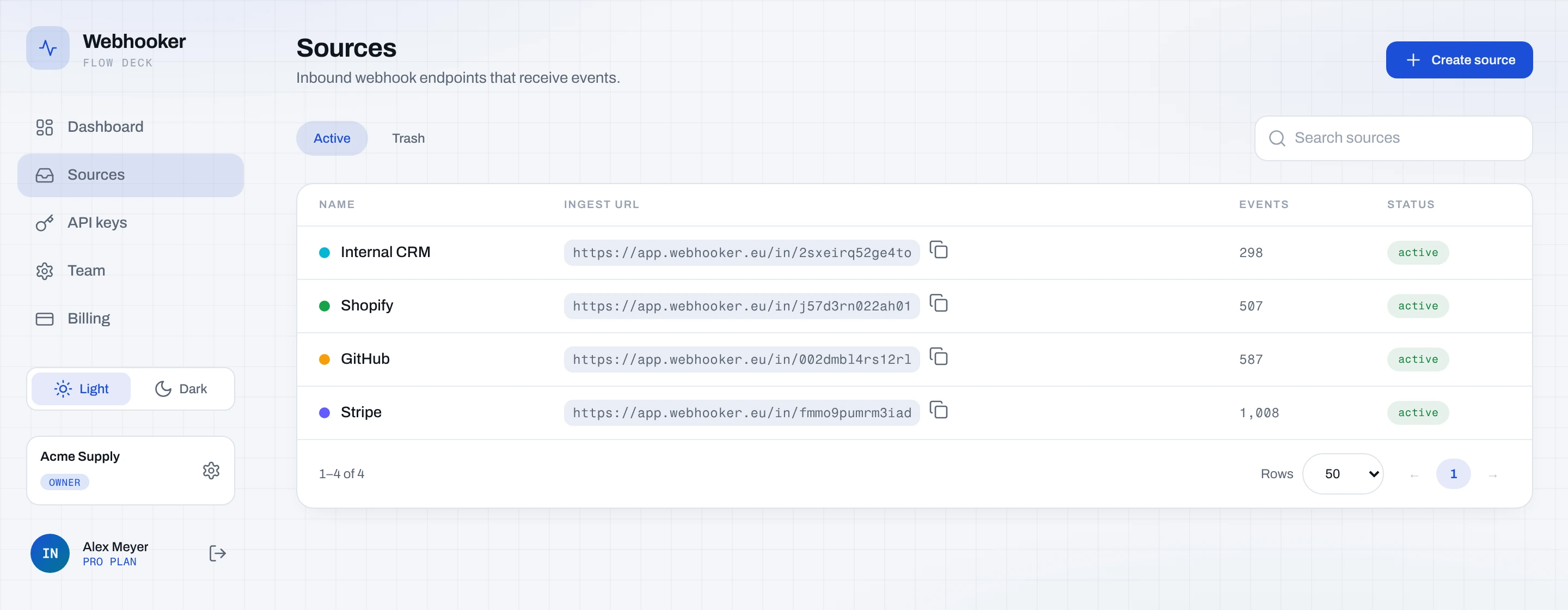
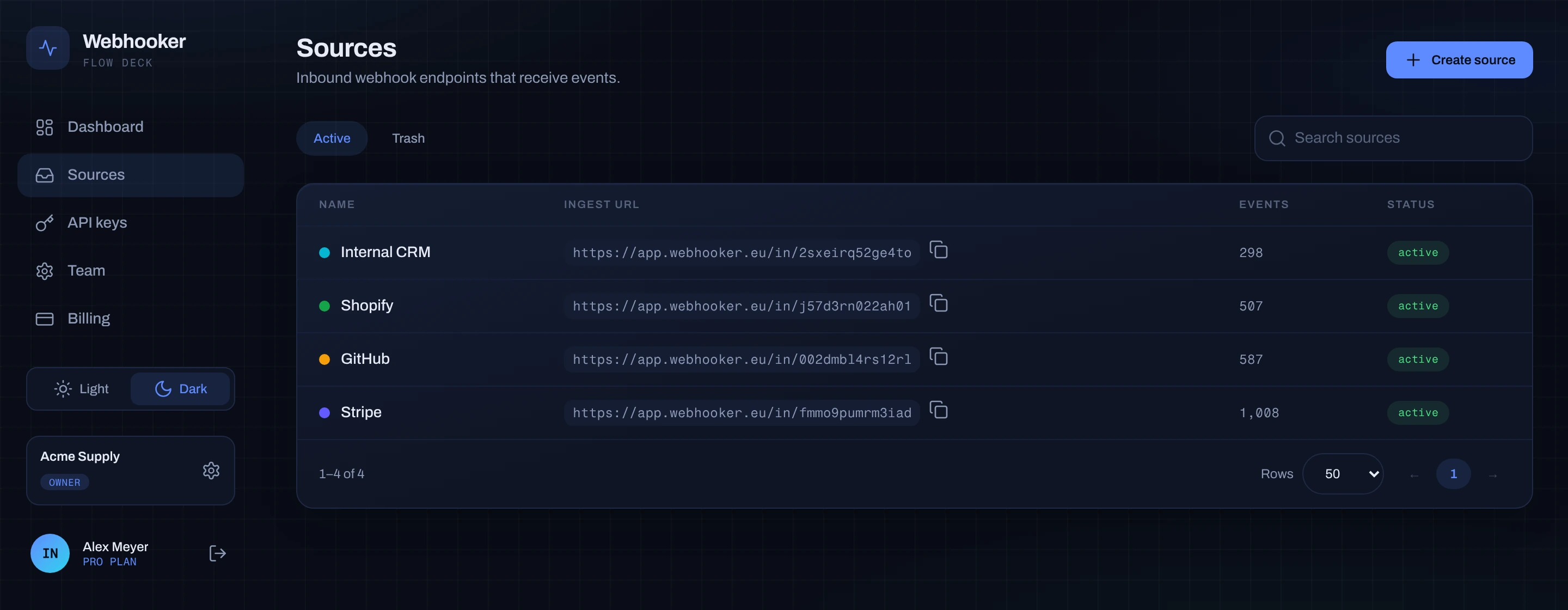
The row now shows your ingest URL — copy it:
https://app.webhooker.eu/in/6b225n04u5kmyg→ Create an ingest URL for verification, pausing, custom responses and the trash.
2. Point the provider at it
Section titled “2. Point the provider at it”Paste the URL into the provider’s webhook settings. Then, in Settings on the source, turn on Authenticate inbound requests and paste the provider’s signing secret so Webhooker can check every request before it accepts it.
→ Inbound verification for the supported schemes.
3. Add a gateway
Section titled “3. Add a gateway”Open the Destinations tab on the source and click Add destination. Enter the URL on your side, turn on Sign outbound requests, and save. That pair — the endpoint plus the route to it — is a gateway.
→ Create a gateway for filters, transformations, timeouts and retries.
4. Confirm the delivery
Section titled “4. Confirm the delivery”Send a test event from the provider. On the source’s Overview tab it appears in the live tail; open it and the delivery row shows the status your endpoint returned, with the full attempt history.
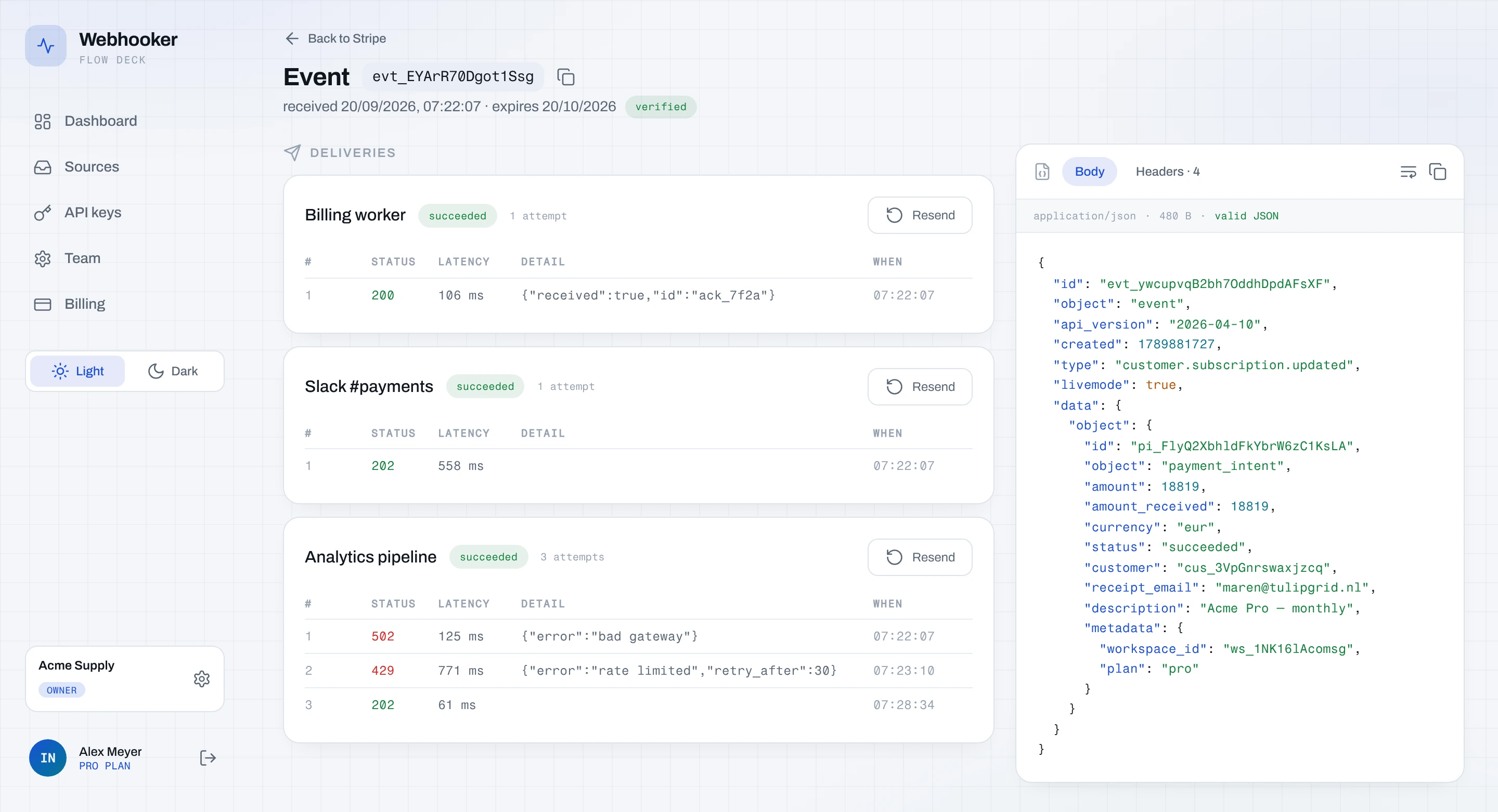
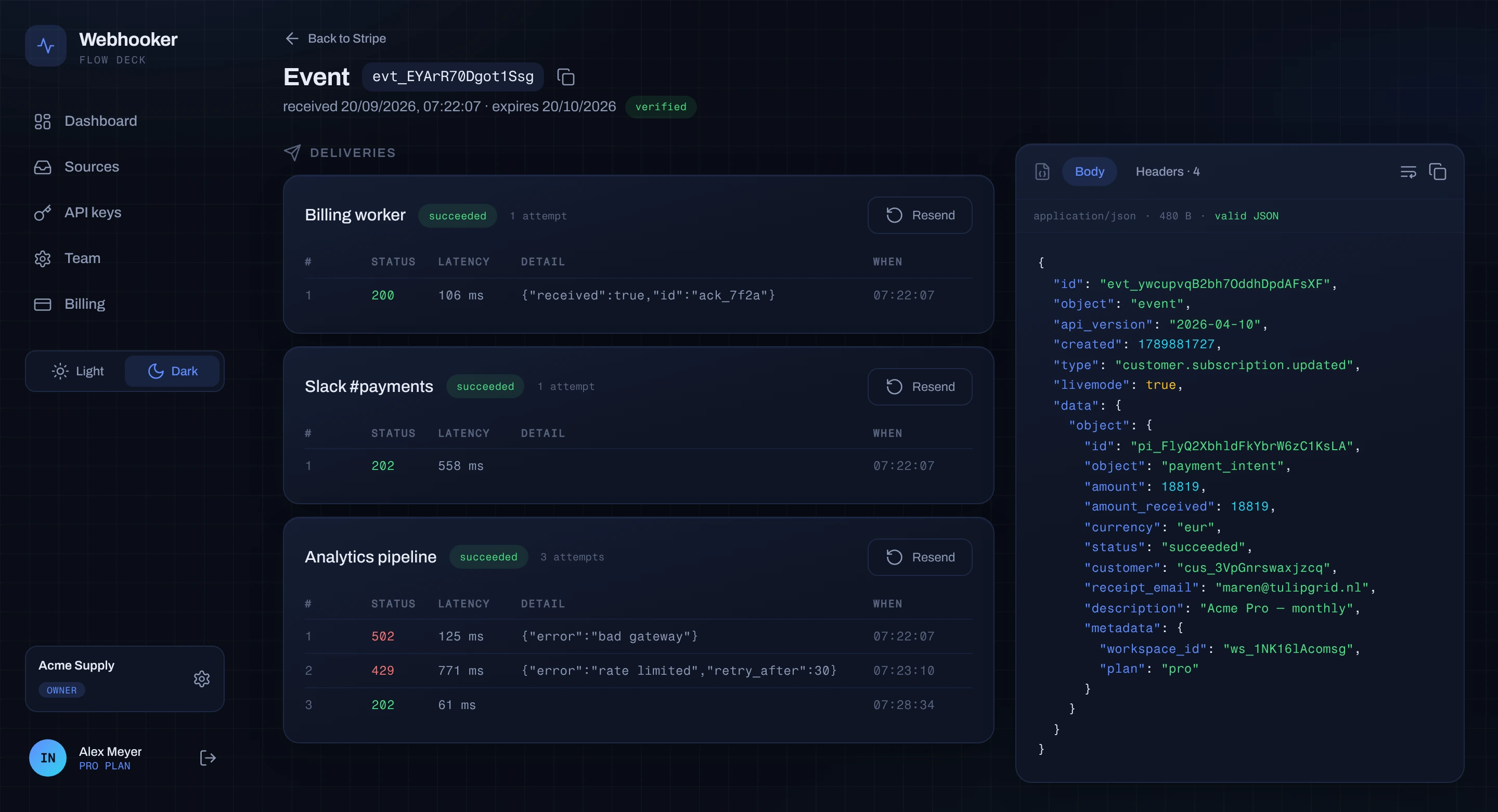
If it failed, everything you need is on that screen: request URL, response status, response body and latency per attempt.
Test it yourself
Section titled “Test it yourself”You do not have to wait for a provider to send something:
curl -X POST https://app.webhooker.eu/in/6b225n04u5kmyg \ -H "Content-Type: application/json" \ -d '{"hello":"world"}'{ "status": "SUCCESS", "message": "Request received successfully.", "request_id": "0190a0b1-c2d3-7e4f-8a9b-0c1d2e3f4a5b"}If the source has verification on, an unsigned request like this is answered
401 and stored as failed — which is the fastest way to confirm verification
really is on.
Next steps
Section titled “Next steps”- Core concepts — the words that appear everywhere.
- Verify our signature — prove a delivery came from us.
- Management API — do all of the above over HTTP.