
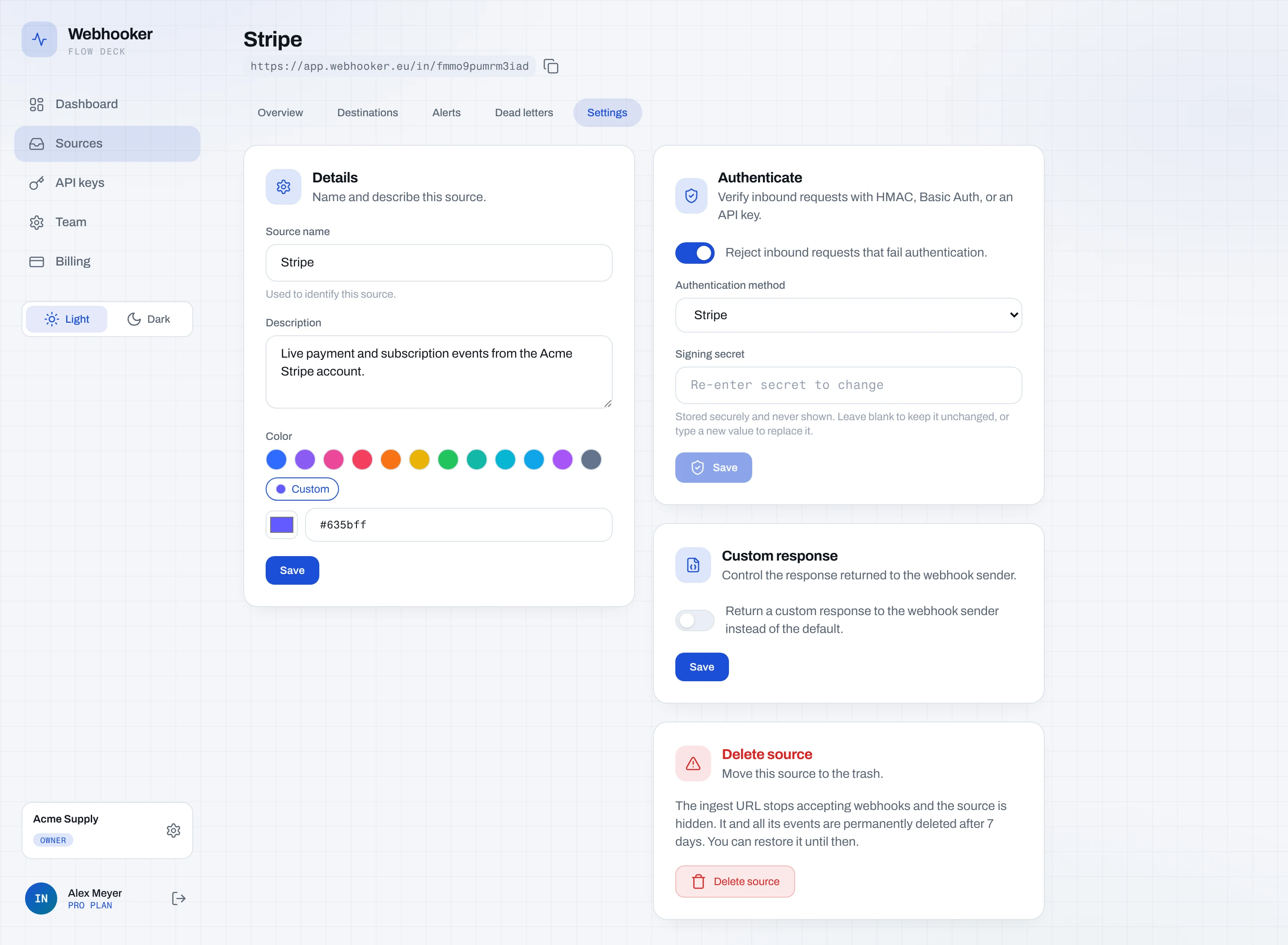
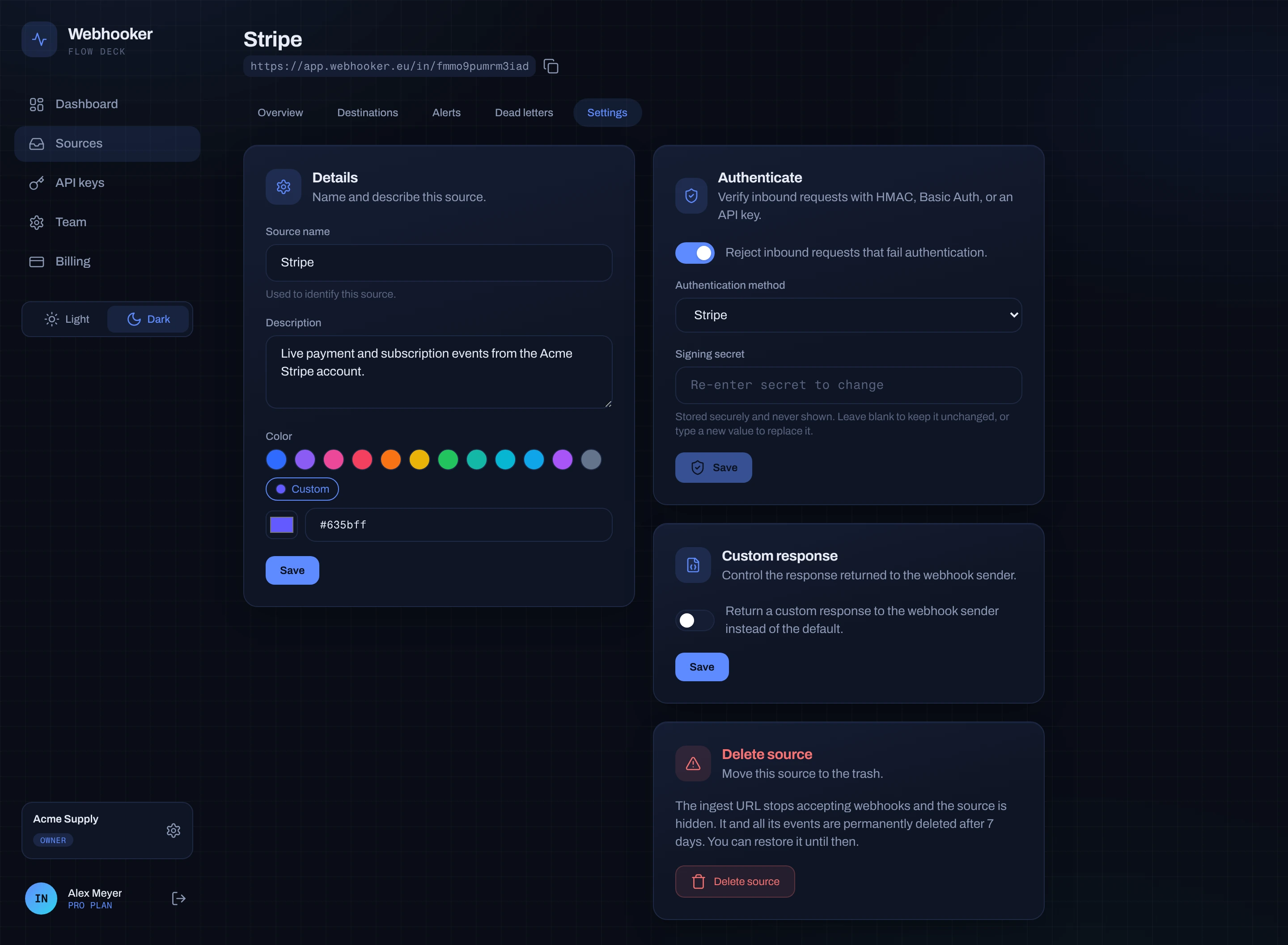
Verification answers one question: did this request really come from the sender you expect? It runs before anything is stored, and it is configured per source under Settings → Authenticate inbound requests.
Leave it off and every request is accepted and recorded as skipped. That is
fine while you are exploring, and wrong for production: the ingest URL is
public, so anyone who learns it can post to your source.
Supported schemes
Section titled “Supported schemes”| Method | Header read | Algorithm | Encoding | Timestamp tolerance |
|---|---|---|---|---|
| Stripe | Stripe-Signature | HMAC-SHA256 | hex | 5 minutes |
| GitHub | X-Hub-Signature-256 | HMAC-SHA256 | hex (sha256= prefix) | none |
| Shopify | X-Shopify-Hmac-Sha256 | HMAC-SHA256 | base64 | none |
| HMAC | the header you name | SHA-256 or SHA-1 | hex or base64 | 5 minutes when a timestamp header is set |
| Basic Auth | Authorization | — | — | — |
| API Key | the header you name | — | — | — |
The three presets need nothing but the provider’s secret; the header name, algorithm, encoding and timestamp handling are already correct for that provider. If you also verify the same signature yourself, the scheme behind each preset is written out in the guides to Stripe’s, GitHub’s and Shopify’s signatures.
Custom senders
Section titled “Custom senders”Pick HMAC for any other signed sender and fill in what it does:
- Signature header — where the signature arrives, for example
X-Signature. - Timestamp header — optional. Set it when the sender signs
{timestamp}.{body}and you want replayed requests rejected. Without it, only the body is signed and no freshness check applies. - Algorithm — SHA-256 or SHA-1.
- Encoding — hex or base64.
For senders that authenticate rather than sign, Basic Auth compares a
username and password against the Authorization header, and API Key
compares a fixed value against a header you name. Both are weaker than a
signature — they prove the sender knows a secret, not that this particular body
is untouched — but they are far better than nothing.
Secrets
Section titled “Secrets”Secrets are stored encrypted and never returned to the browser. A saved field reads “Re-enter secret to change”; submitting that placeholder is rejected, so type the new secret in full when you rotate it.
What happens on failure
Section titled “What happens on failure”A request whose signature does not verify is answered 401 and still
stored, marked failed, with no deliveries created. Nothing reaches your app,
and the attempt is visible in the event log with all its headers — which is how
you tell a wrong secret from a wrong URL.
Two consequences worth knowing:
- Failed events count against your monthly quota and your retention window.
- A misconfigured secret is silent on the provider’s side except for the
401. If a provider reports failing webhooks, check the event log first. The usual causes — a re-serialized body, the wrong secret for the environment, a trimmed header — are collected in why webhook signature verification fails.
Each event’s verification result is shown as:
| Status | Meaning |
|---|---|
verified | The signature or credential matched. |
failed | It did not. Rejected with 401. |
skipped | Verification is off for this source. |
Replay protection
Section titled “Replay protection”Where a timestamp is part of the scheme — Stripe, or HMAC with a timestamp header — a request whose timestamp is more than 5 minutes from the server clock fails verification even if the signature is otherwise correct. That is what stops a captured request from being replayed later, and why the tolerance window matters explains what an attacker can do when a scheme signs no timestamp at all.