
A gateway is the route from one ingest URL to one endpoint on your side. It is made of two parts, and you configure both in the same flow:
- a destination — the endpoint that receives events: its URL, headers, authentication, timeout and retry schedule,
- a connection — the link between a source and that destination, plus the optional filter and transformation applied on the way.
One source can feed several gateways, and one destination can be reused by several sources. Every event that passes the filter is delivered to every connected destination independently: one slow endpoint never holds up another.
Before you start
Section titled “Before you start”- A source with its ingest URL, and at least one event in its log. Delivering an event you can see is far easier to debug than delivering a hypothetical one.
- A publicly reachable HTTPS endpoint on your side. Private and internal
addresses are rejected when you save the destination —
localhost,*.local,*.internaland private IP ranges. For local development use the CLI instead.
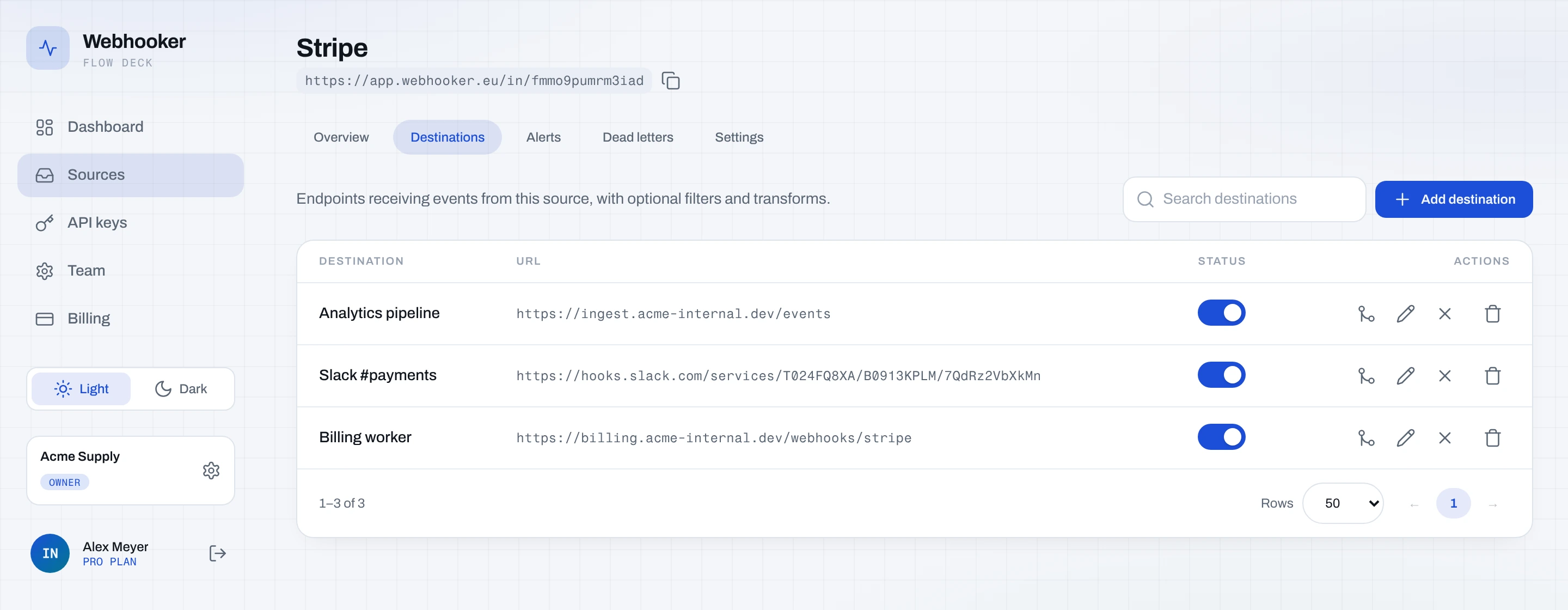
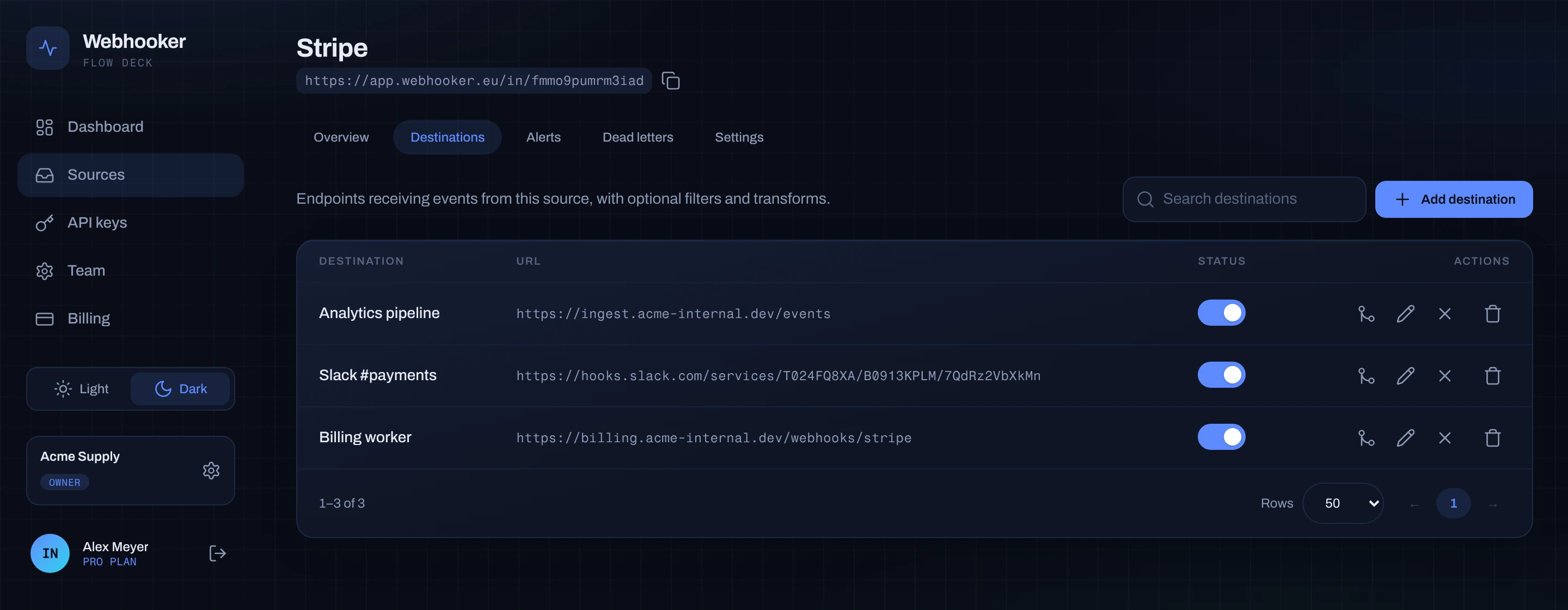
1. Open the source’s Destinations tab
Section titled “1. Open the source’s Destinations tab”Open Sources, click the source, and select the Destinations tab. This is where the source’s gateways live. An empty tab has one button: Add destination.
2. Choose new or existing
Section titled “2. Choose new or existing”The Add destination dialog has two tabs:
- Create new — define a fresh endpoint. The dialog opens here while the workspace has no endpoint left to reuse, which is the case the first time.
- Connect existing — reuse an endpoint the workspace already has, so two sources feed the same handler without duplicating its settings. Once at least one endpoint exists, the dialog opens on this tab.
3. Fill in the endpoint
Section titled “3. Fill in the endpoint”On Create new:
- Name — required. What you will see in the event log and in alerts.
billing-api,orders-worker,slack-relay. - URL — required, absolute,
httporhttps. This is where WebhookerPOSTs each event. - Response timeout (seconds) — how long Webhooker waits for your response before the attempt counts as failed. Default 10 seconds, allowed 1 to 300. Answer fast and do the work asynchronously: a timeout is a failure, and a failure costs you a retry.
4. Set authentication (recommended)
Section titled “4. Set authentication (recommended)”Sign outbound requests decides how your endpoint can tell that a request really came from Webhooker and not from anyone who found the URL.
| Method | What Webhooker sends | When to use it |
|---|---|---|
| Off | Nothing. | Only if the endpoint is already protected some other way. |
| HMAC signature | X-Webhooker-Signature, X-Webhooker-Timestamp, X-Webhooker-Event-Id. | The default choice. Your handler recomputes the signature. |
| API Key | A fixed secret in the header you name, X-Api-Key by default. | Your endpoint already authenticates by header. |
| Basic Auth | Authorization: Basic …. | Your endpoint is behind basic auth. |
Pick HMAC signature, generate a long random secret, paste it into Signing
secret, and keep a copy — after saving, the field shows *** and the value is
never returned to the browser. The verification code for your handler is in
verify our signature.
Authentication headers are applied last, after any transformation, so a transformation can never overwrite or strip them.
Save. The source’s Destinations tab now lists the endpoint, and the connection between the two is created with it. The gateway is live: the next event that arrives is forwarded.
5. Tune retries and fixed headers (API only)
Section titled “5. Tune retries and fixed headers (API only)”Two destination settings have no field in the dashboard yet and are set through the management API:
retry_policy— the backoff schedule as a list of delays. The default is30s, 2m, 10m, 1h, 4h: five retries after the first attempt, spanning about five and a half hours. Up to 10 intervals, each between 1 second and 24 hours. Every delay gets ±20% jitter, so a destination that comes back up is not hit by all queued retries in the same instant.custom_headers— headers sent verbatim on every delivery to this destination, for routing or tenancy hints such asX-Environment: production. Do not put secrets here; that is what authentication is for.
curl -X PATCH https://app.webhooker.eu/api/v1/destinations/$DESTINATION_ID \ -H "Authorization: Bearer $WEBHOOKER_API_KEY" \ -H "Content-Type: application/json" \ -d '{ "retry_policy": { "intervals_seconds": [10, 60, 300, 1800] }, "custom_headers": { "X-Environment": "production" } }'6. Confirm the first delivery
Section titled “6. Confirm the first delivery”Send a test event from the provider, or replay one you already have from the event log. Open the event and look at its delivery row:
| Status | Meaning |
|---|---|
pending | Queued, waiting for its attempt. |
delivering | An attempt is in flight. |
succeeded | Your endpoint answered 2xx. |
failed | Your endpoint answered a 4xx other than 408 or 429. Not retried. |
exhausted | Every retry in the schedule failed. |
filtered | The connection’s filter did not match, so nothing was sent. |
Expand the row for the attempt history: attempt number, target URL, response status, response body, error message and latency for each try. This is the screen to open when a customer says “the webhook never arrived”.
7. Filter what this gateway receives (optional)
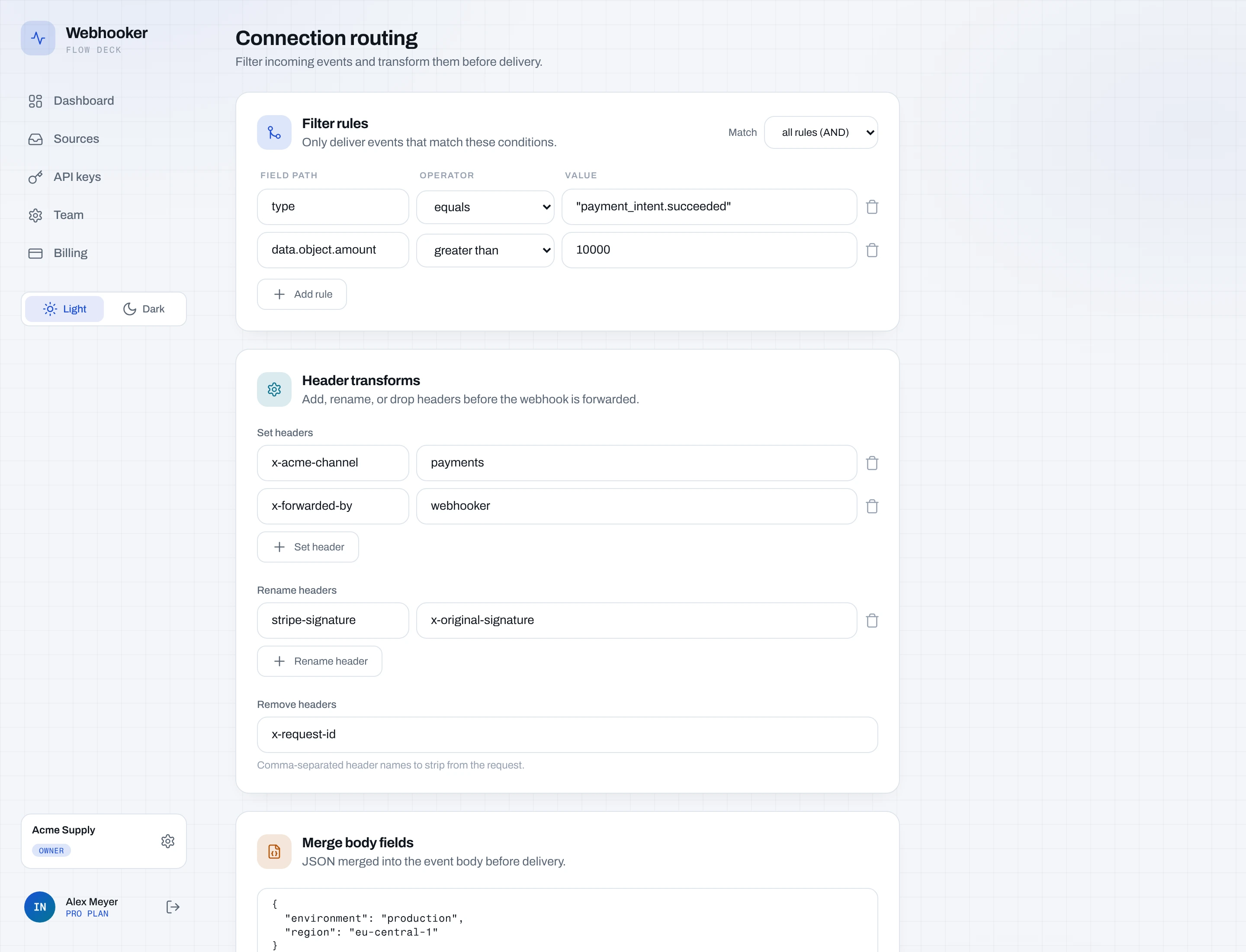
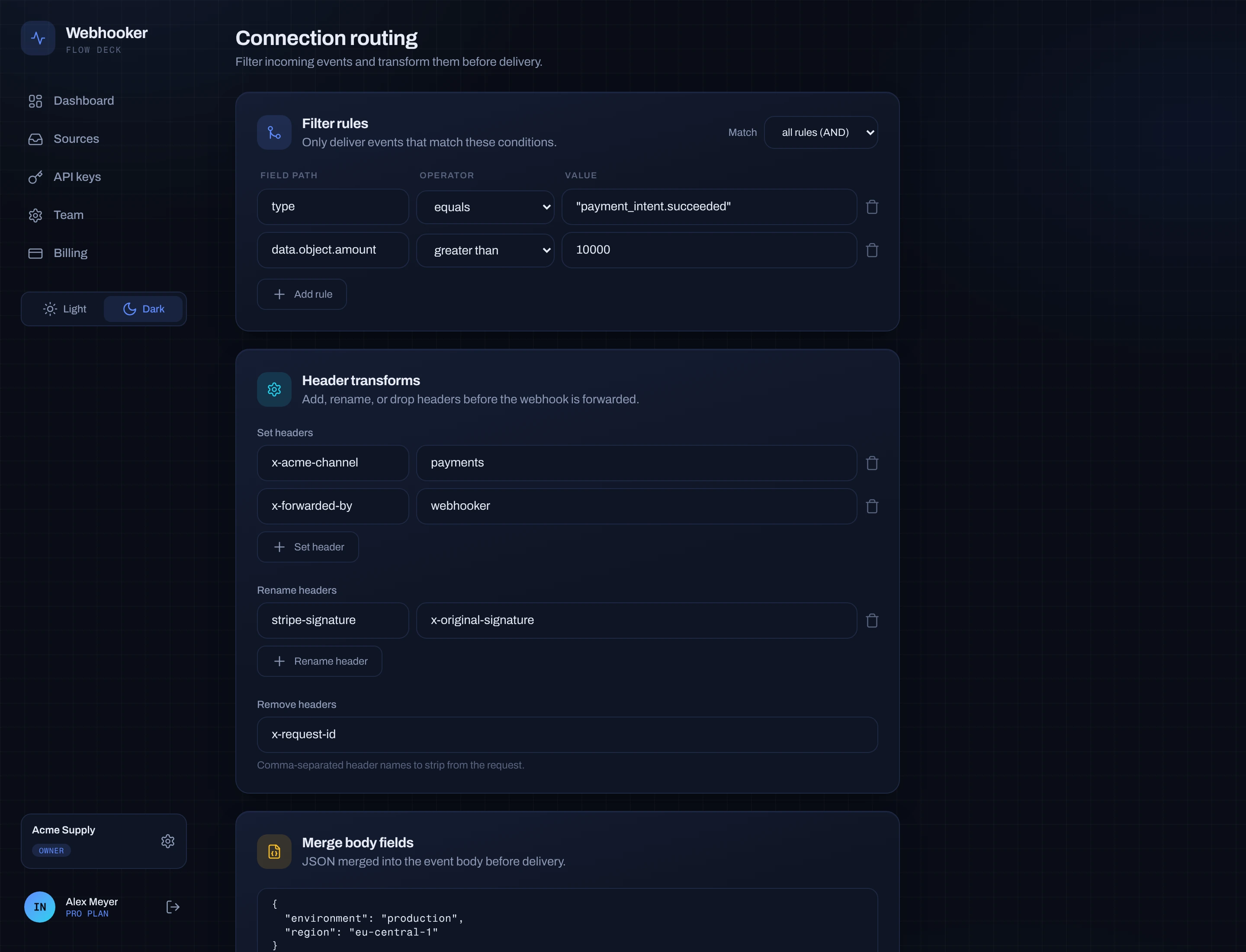
Section titled “7. Filter what this gateway receives (optional)”By default a gateway receives every event the source accepts. To narrow it, open the Edit routing action on the row in the Destinations tab and add Filter rules: a field path, an operator and a value per row.
A rule addresses one value in the request by path. Two roots are available:
body. for the JSON payload and headers. for the inbound headers.
{ "operator": "and", "rules": [ { "path": "body.type", "op": "eq", "value": "invoice.paid" }, { "path": "body.data.object.amount", "op": "gt", "value": 5000 } ]}Operators: eq, ne, contains, exists, gt, lt, in. Groups combine
with and or or and can be nested one level deep.
An event that does not match is recorded as filtered on that connection: it is
visible in the log and never sent. Other connections on the same source are
unaffected.
8. Reshape the payload (optional)
Section titled “8. Reshape the payload (optional)”The same editor holds the transformation, applied per gateway just before delivery:
- Set headers — add or overwrite a header. Values support the placeholders
{{event.id}},{{source.name}}and{{timestamp}}. - Rename headers — rename a header that is already being sent, keeping its value.
- Remove headers — a comma-separated list of names to strip from the outbound request.
- Merge body fields — JSON object of top-level fields added to a JSON body. Existing fields with the same name are overwritten; the rest of the payload is untouched.
A non-JSON body is forwarded byte for byte; header rules still apply.
9. Fan out to more endpoints
Section titled “9. Fan out to more endpoints”Repeat from step 2 to add another destination to the same source. Each gateway keeps its own filter, transformation, signing secret, timeout, retry schedule and delivery history.
To feed an existing endpoint from a second source, use Connect existing on that source instead of recreating it. A source and a destination can only be connected once; a second attempt is rejected as a conflict.
The toggle on each row enables or disables a gateway without deleting it: disabled means events are stored and simply not forwarded here.
10. Know when it breaks
Section titled “10. Know when it breaks”Two safety nets are worth setting up now:
- Alerts — email or Telegram on delivery failure, per source or workspace wide. See alerts.
- The circuit breaker — after 5 consecutive retryable failures, the
destination’s circuit opens and deliveries pause for a cooldown that starts at
60 seconds and doubles up to 10 minutes. One probe is then sent; if it fails,
the circuit re-opens. The state is shown on the destination row as
closed,openorhalf_open. This protects a struggling endpoint from the full retry load, and it clears itself as soon as one attempt succeeds.
Deliveries that end as exhausted or failed collect in the source’s Dead
letters tab, where you can replay them in bulk once the endpoint is healthy.
Troubleshooting
Section titled “Troubleshooting”| Symptom | Cause |
|---|---|
| “url must not point to a private or internal address” | The endpoint is not publicly reachable. Use the CLI for localhost. |
Deliveries stay pending | The source is paused, or the destination’s circuit is open. |
Everything is filtered | A filter path does not match the payload. Check a real body in the event log and remember the body. / headers. prefix. |
failed on the first attempt, never retried | Your endpoint answered a 4xx. Only 408 and 429 are retried. |
| Signature check fails in your handler | Sign {timestamp}.{raw body} and use the raw bytes, not a re-serialised object. |
| “re-enter the secret to change it” | The masked *** placeholder was submitted. Type the secret in full. |
- Verify our signature — working handler code.
- Retries and replay — failures, the DLQ, replay.
- Filters and transformations — the full rule syntax.